


Getting an Income-Tax notice isn’t the end of the world — but replying to one can feel like it. Between decoding sections, legal jargons, citing provisions, and formatting replies, missing deadlines and uncertainty about which documents to attach even seasoned professionals lose hours and can make mistakes that could lead to penalties/prolonged scrutiny.
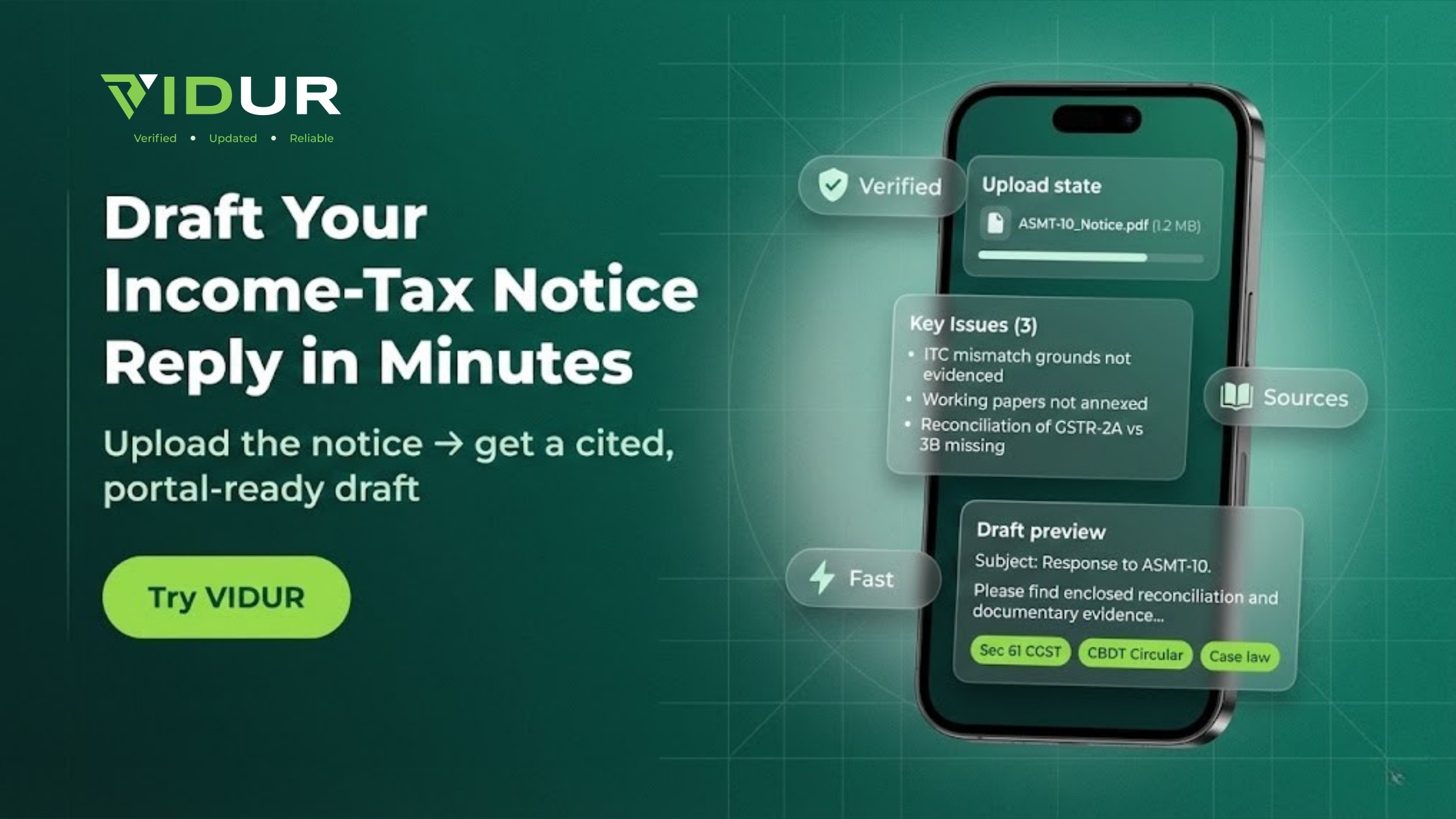
Enter VIDUR AI — your AI-powered assistant that turns complex notice drafting into a simple, guided workflow. Thankfully, VIDUR, has made replying to income-tax notices simpler and more transparent than ever. Built fo7r Chartered Accountants, tax lawyers, and consultants, VIDUR brings together updated legislation by capturing daily legislative, regulatory and judicial updates, and provides practical drafting intelligence — enables you to respond like a pro.
Step 1: Decode the Notice — Instantly
Don’t waste time guessing the section. Upload your notice on VIDUR, and the tool instantly identifies whether it’s a 143(1) intimation, 142(1) inquiry, or 148 reassessment under the Income-tax Act, 1961.
VIDUR highlights the intent, applicable timelines, and compliance obligations — giving you clarity before you even begin drafting.
Step 2: Get the Right Legal Backbone
Every strong reply starts with the law.
VIDUR pulls exact statutory provisions, CBDT circulars, and relevant case law — all from Bharat Law House’s trusted legal library.
Whether it’s a defective return under section 139(9) or scrutiny under section 143(2), VIDUR suggests the precedents and circulars that matter for your specific case and assessment year.
Step 3: Generate a Professionally-Structured Draft
VIDUR’s Notice Reply Drafting Mode creates a ready-to-review draft within a minute:
- Auto-extracts key facts from your ITR, computation sheet, and attachments
- Integrates section-wise legal reasoning and judicial interpretations
- Formats the document as per department-accepted reply templates
All you need to do is review, tweak, and finalize.
Step 4: Auto-Checklist Your Enclosures
Forget the stress of missing annexures. VIDUR generates a section-specific document checklist — linking each point in your reply to its supporting evidence.
From bank statements to invoices, every proof is tagged, labelled, and ready to attach — exactly how assessing officers expect it.
Step 5: Finalize, Format & File
Before you hit upload, VIDUR runs a compliance and consistency scan — checking PAN, assessment year, notice reference, and citations.
Export your final draft in Word or PDF, complete with a covering letter and an annexure index, and format it for direct upload to the Income-Tax portal.
Live Example: How to Use VIDUR for an Income-Tax Notice Reply (Step-by-Step)
Here’s how a practitioner can actually use VIDUR for a real-life style query.
Step 1: Go to VIDUR
- Log in to your VIDUR AI dashboard.
- Go to the “Direct Tax – Income-Tax Notices” or “Notice Reply Drafting” workflow.
Step 2: Upload the Notice & Basic Documents
- Upload the PDF of the notice received from CPC/Assessing Officer.
- Upload the ITR, computation sheet, Form 26AS/ AIS, and any key supporting documents.
Step 3: Ask Your Query Inside VIDUR (Example Prompt)
You can type a query like:
*“Draft a detailed reply to an Income-tax notice issued under section 143(1)(a) for AY 2022–23, where CPC has disallowed deduction under section 80C of ₹1,50,000 due to ‘mismatch with Form 26AS/records’.
Please:
- Extract the facts from the attached ITR and computation,
- Cite the relevant provisions of the Income-tax Act, 1961,
- Provide legal reasoning supporting allowability of the 80C deduction, and
- Draft a professional reply addressed to CPC with a clear prayer for rectification.”*
Step 4: See VIDUR’s Drafted Output (Illustrative Style)
VIDUR will generate a reply along these lines (illustrative structure):
- Facts of the Case: Returns filed on time, details of deduction claimed under section 80C, nature of investments/payments (e.g., LIC, PPF, ELSS, tuition fees), and reference to supporting documents.
- Reference to Notice: Date of 143(1)(a) intimation, adjustment proposed, and amount disallowed.
- Legal Position:
- Explaining conditions of section 80C,
- Clarifying that the deduction is supported by valid documentary evidence,
- Pointing out that mere “mismatch” in system records cannot override actual eligible payment supported by proof,
- Referring to relevant CBDT instructions/case law, wherever applicable.
- Explaining conditions of section 80C,
- Reconciliation & Explanation:
- Mapping each 80C component to documentary proof,
- Explaining why the claim is correctly made in the return.
- Mapping each 80C component to documentary proof,
- Prayer/Conclusion:
- Requesting deletion of the proposed adjustment and acceptance of returned income,
- Seeking issue of a revised intimation under section 143(1).
- Requesting deletion of the proposed adjustment and acceptance of returned income,
You can then review the draft, make any stylistic or client-specific changes, and finalize it.
Step 5: Take Action — Directly from VIDUR’s Output
- Download the reply in Word/PDF format.
- Attach the checklist and supporting proofs as suggested by VIDUR.
- Upload on the Income-Tax e-filing portal under the reply/response section.
👉 Call to Action: Try VIDUR AI
Want to see how this works on your next notice? Try this guided “Income-Tax Notice Reply” workflow directly on VIDUR AI and turn stressful notices into a 10-minute drafting task.
Tips to Keep in Mind
- Reply within the deadline: Notices specify a response date. Make sure to reply on time to avoid penalties.
- Be Factual and Polite: Use clear, factual language and maintain a respectful tone in your reply.
- Keep Records: Download and save copies of your submission and acknowledgment for future reference.
Final Word
Your first Income-Tax notice reply doesn’t have to take all day — or all your nerves. With VIDUR AI, you get a professional drafting workflow, backed by verified Bharat Law content, daily CBDT/ITAT updates, and automated accuracy checks.
Draft. Attach. Submit. Track.
That’s the new Income-Tax reply workflow — only on VIDUR AI